Brad's Car Manuals: A 3rd party mirror of CHARM + LEMON car manuals
Home >> Hyundai >> 2011 >> Equus Signature >> Repair and Diagnosis >> Body & Frame >> Door Locks >> Smart Key System >> Smart key unit >> Repair Procedures >> Smart Key >> Smart Key Code Saving

Smart Key Code Saving

Download the full database via torrent (~1.1 TB)
  1. Connect the DLC cable of GDS to the data link connector (16 pins) in driver side crash pad lower panel, turn the power on GDS.
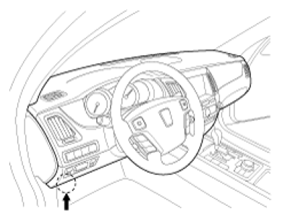
    Fig 1: Identifying Driver Side Crash Pad Lower Panel
    G07312677Courtesy of HYUNDAI MOTOR CO.
  2. Select the vehicle model and then do "Smart key code saving".
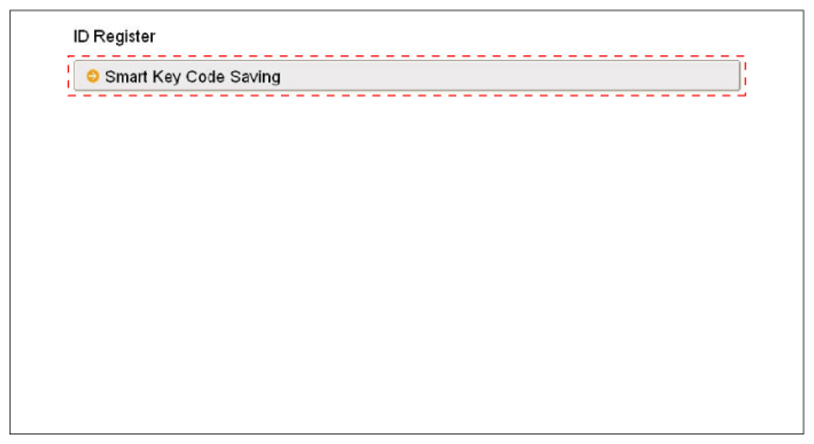
    Fig 2: Selecting Smart Key Code Saving
    G07312678Courtesy of HYUNDAI MOTOR CO.
  3. After selecting "Smart key teaching" menu, push "Enter" key, then the screen will be shown as below.
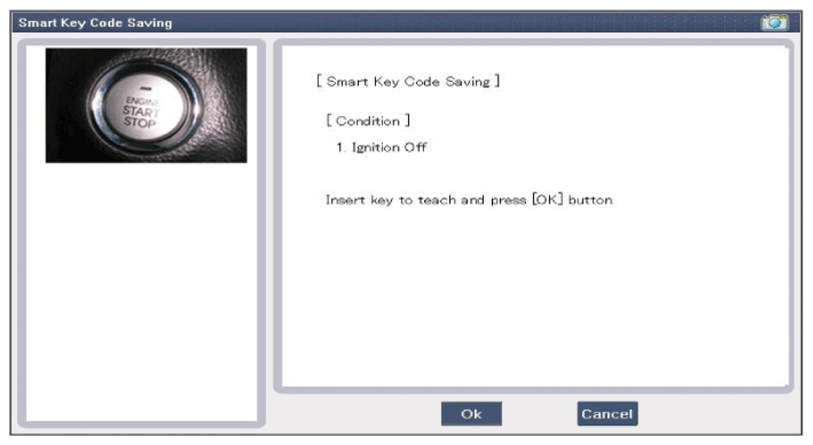
    Fig 3: Display Smart Key Code Saving Screen
    G07312679Courtesy of HYUNDAI MOTOR CO.
  4. After inserting the teaching key, push "ENTER" key.
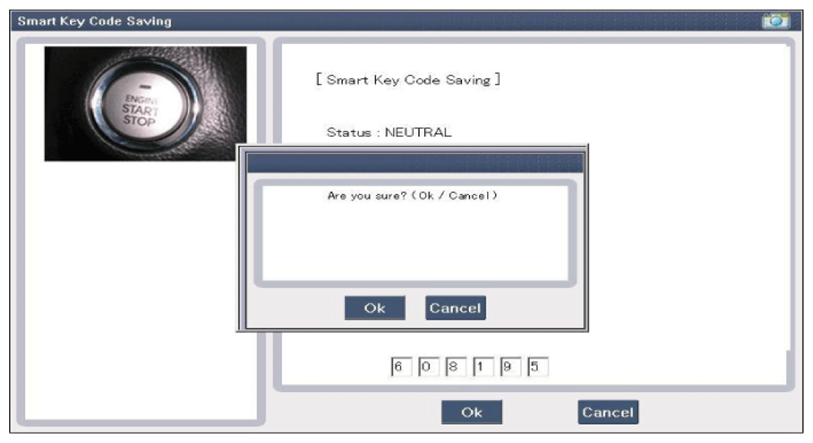
  5. Input the "Pin code" for first key teaching.
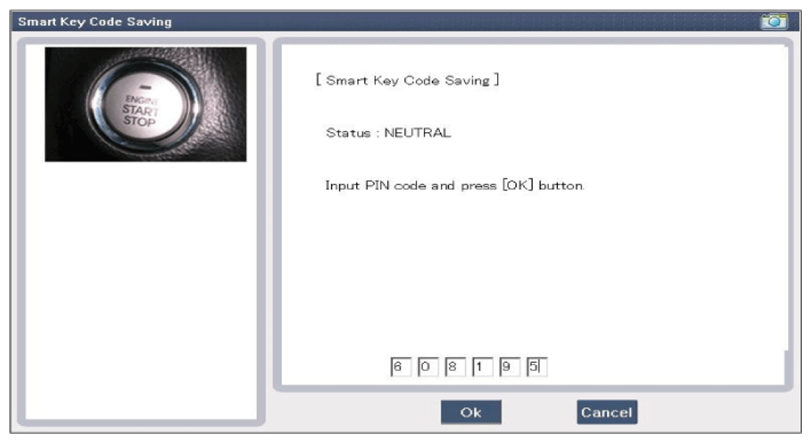
    Fig 4: Display Smart Key Code Entering Screen (1 Of 2)
    G07312680Courtesy of HYUNDAI MOTOR CO.
    Fig 5: Display Smart Key Code Entering Screen (2 Of 2)
    G07312681Courtesy of HYUNDAI MOTOR CO.
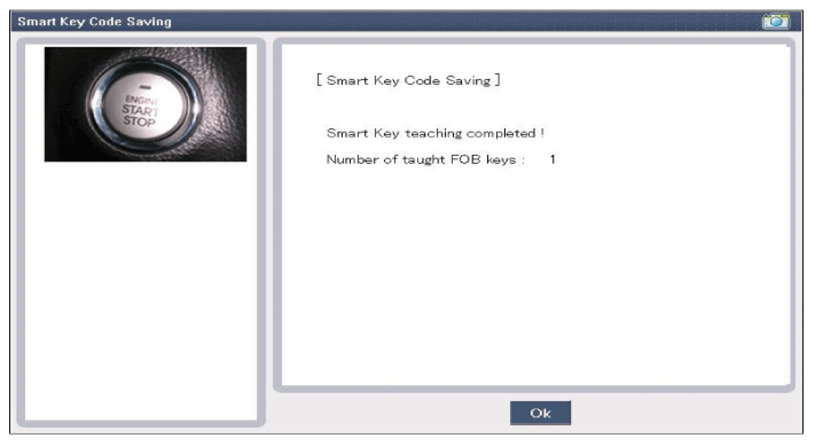
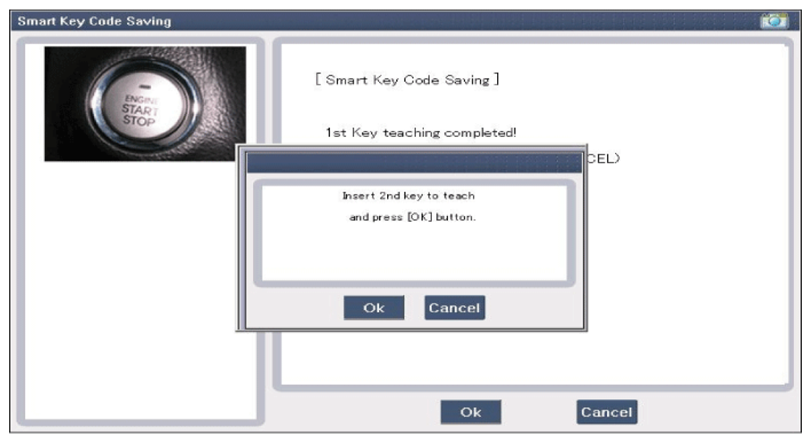
  6. Confirm the message "First key teaching completed".
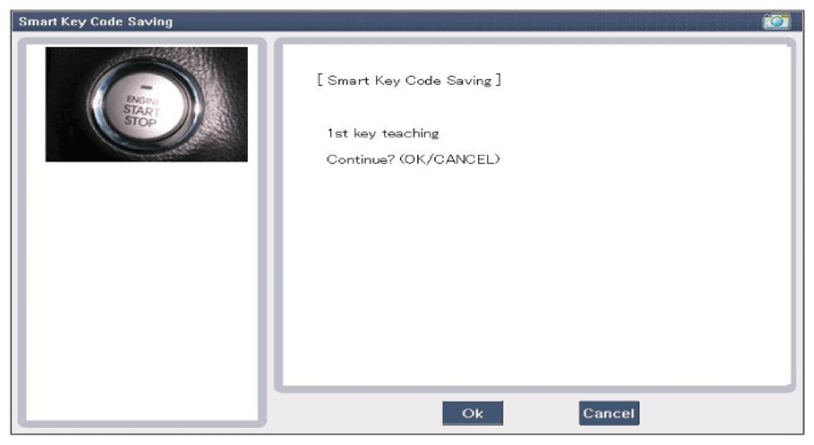
    Fig 6: Display First Key Teaching Completed Screen (1 Of 2)
    G07312682Courtesy of HYUNDAI MOTOR CO.
    Fig 7: Display First Key Teaching Completed Screen (2 Of 2)
    G07312683Courtesy of HYUNDAI MOTOR CO.
  7. Input the "Pin code" for second key teaching.
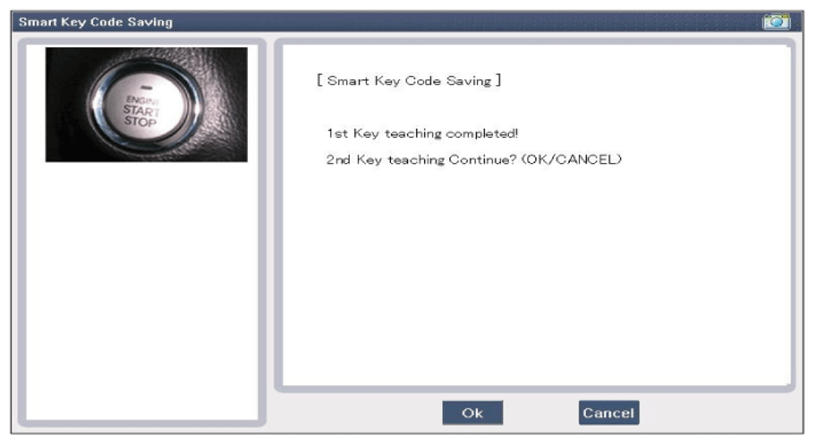
    Fig 8: Display Pin Code Entering Screen For Second Key Teaching (1 Of 2)
    G07312684Courtesy of HYUNDAI MOTOR CO.
    Fig 9: Display Pin Code Entering Screen For Second Key Teaching (2 Of 2)
    G07312685Courtesy of HYUNDAI MOTOR CO.
  8. Confirm the message "Second key teaching completed".
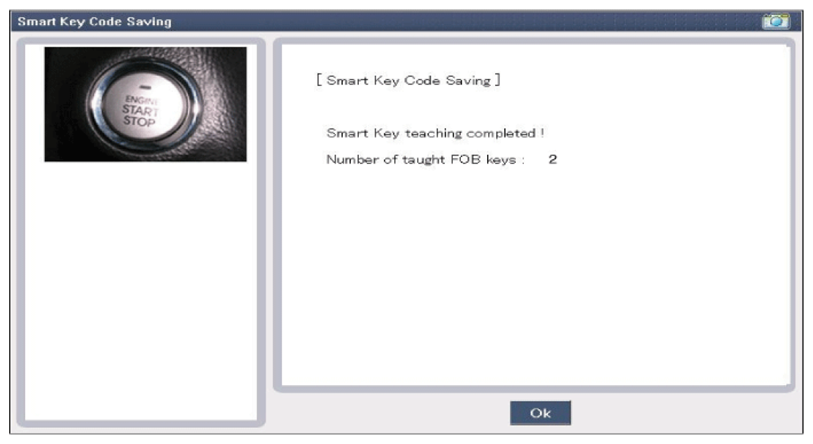
    Fig 10: Display Second Key Teaching Completed
    G07312686Courtesy of HYUNDAI MOTOR CO.